Watch · Recommend
The app opens on Recommend. The current preview plays on its own, then the next mini series starts. Swipe vertically to skip ahead. Tap Watch full drama to leave the feed and play every episode.
Product
Short Dramas is built around three tabs — Watch, Library, and Me — plus a full-screen player. No account. Every episode in a title is free to watch.
The app opens on Recommend. The current preview plays on its own, then the next mini series starts. Swipe vertically to skip ahead. Tap Watch full drama to leave the feed and play every episode.
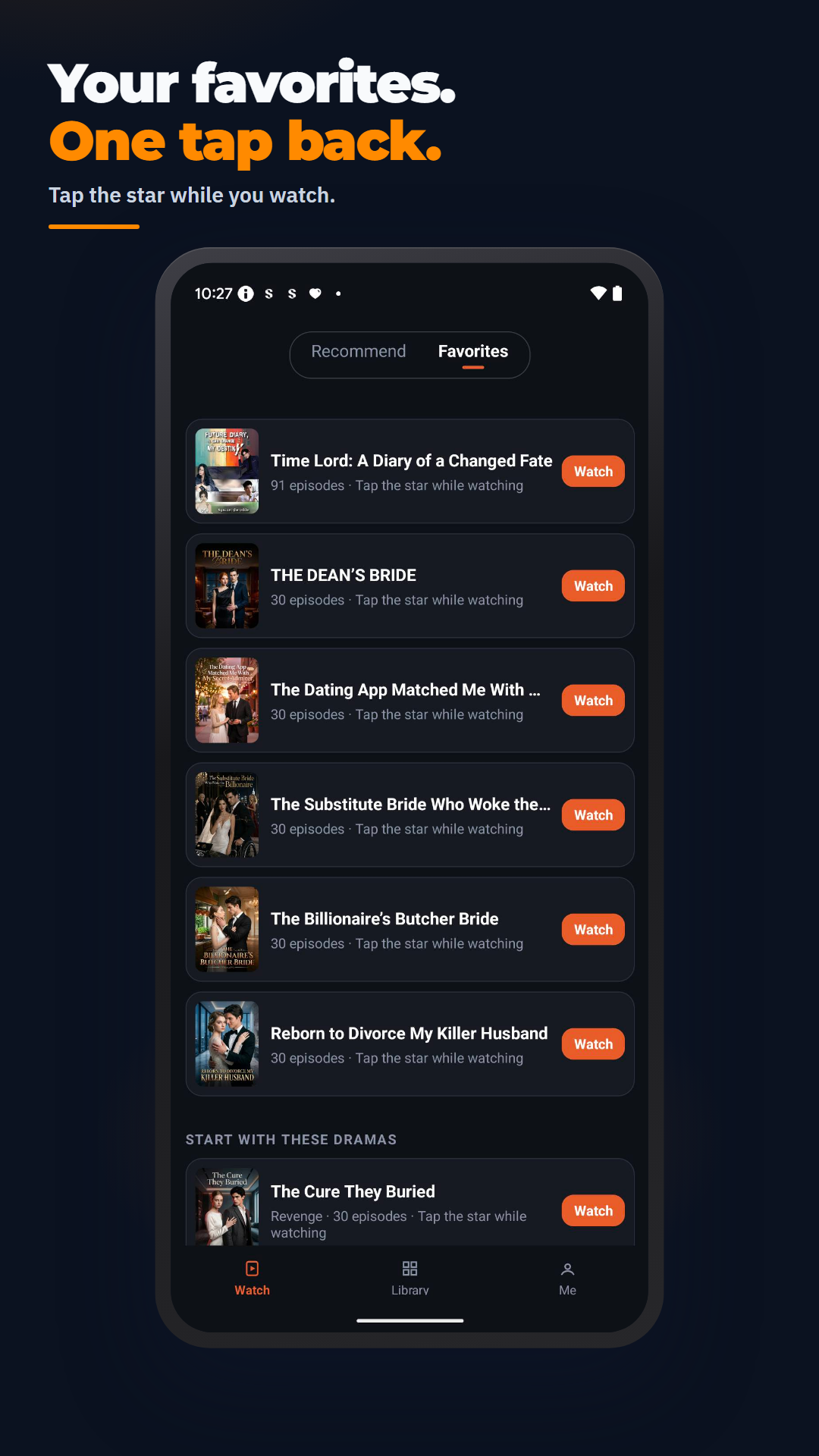
Star a title in the player and it lands here. If the list is empty, Browse Library plus a few starter titles help you pick the first save.
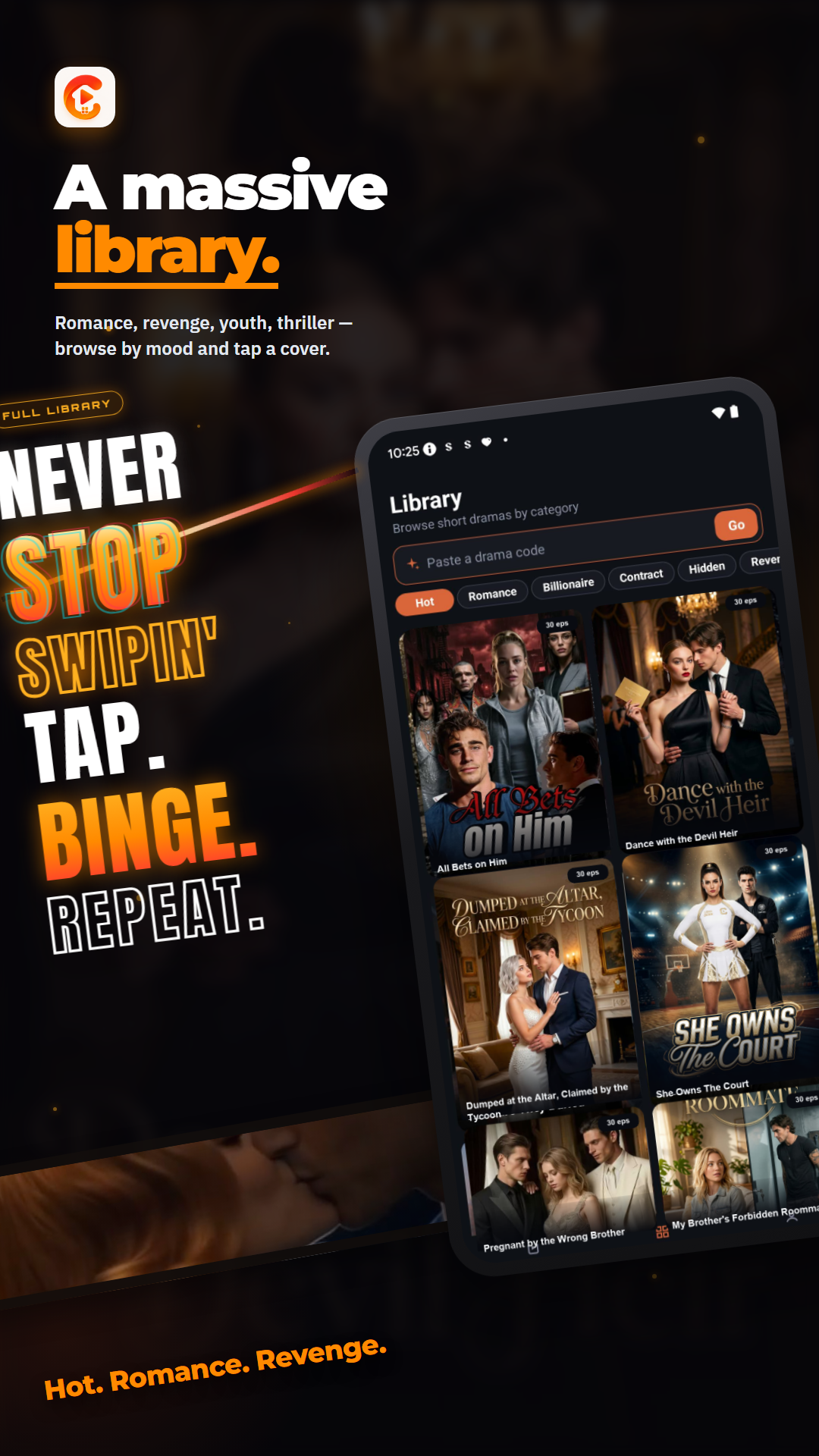
Browse by category. Covers are 3:4. Tap a poster and the player opens — there is no extra detail page in the way.
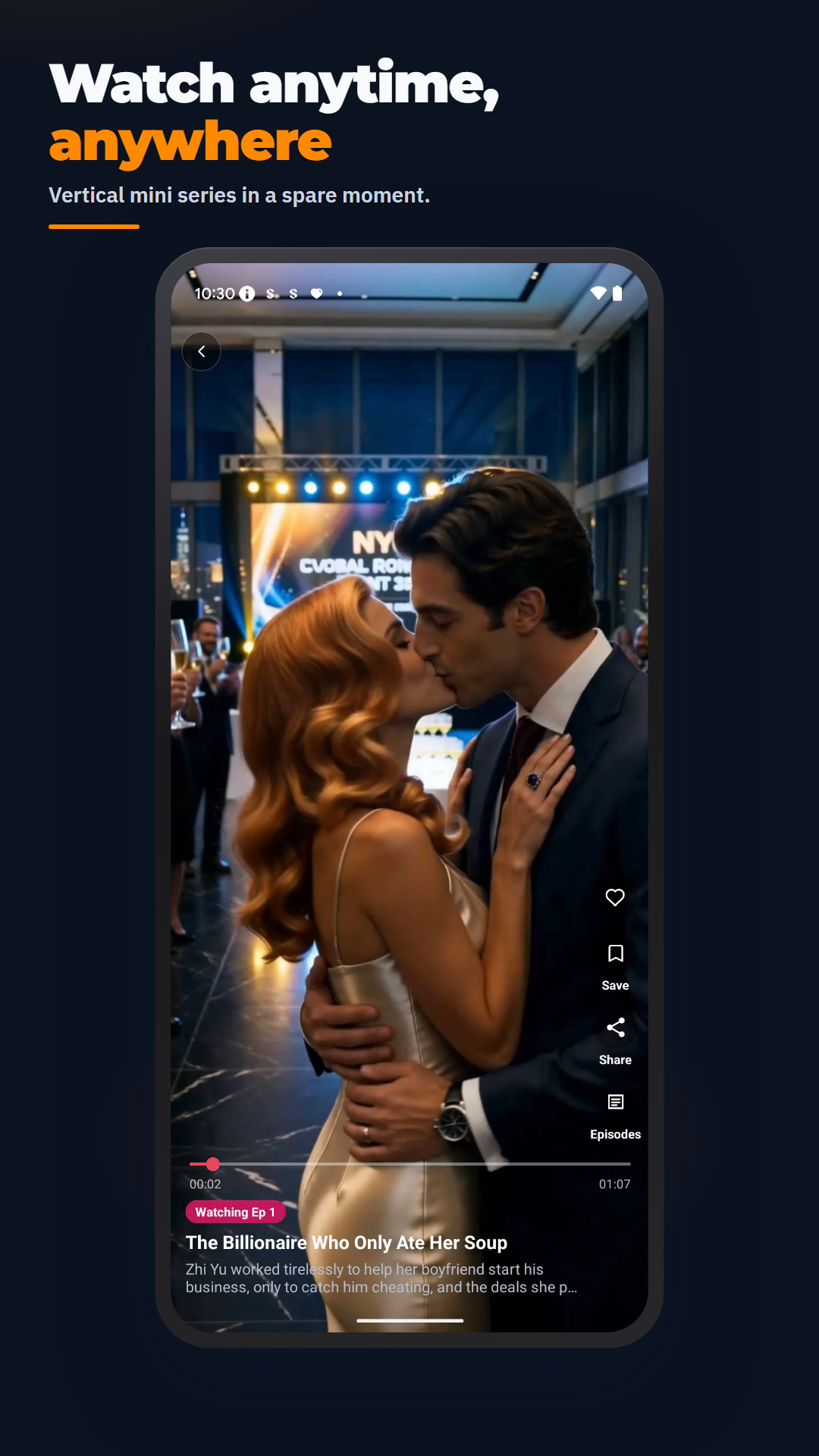
The picture fills the screen. The bottom bar shows the title, a short synopsis, and the current episode. Open Episodes for the full grid and jump to any episode. Share and favorite sit in the top bar.
From Recommend or the player, copy a code and send it to a friend. In Library, paste it into Paste a drama code and tap Go. Me → Share the app copies a short message plus the Google Play link.
Me → Settings → Language lists the languages the catalog already supports. Tap a row to preview, then Done to save. Back without Done keeps the previous language.
Me keeps recent titles so you can resume. View more opens the full continue list. Progress stays on the device — there is no cloud login.
Stay updated can allow notifications for local drama alerts. Turn Drama alerts off anytime in Settings. You can also skip permission during setup.
Watch, Library, and Favorites — the same path you will use after install.